
I’ve been taking photos since 1993 and doing it for a living since 2010, and a surprising amount of that time has been spent standing in snow. I’ve shot it everywhere from high altitude ski resorts through to two winters in Finnish Lapland, where the temperature got down to -37°C (-35°F).
Snowy conditions make for some wonderful photography opportunities. However, taking photos in snow can be a little bit challenging. This is for a number of reasons, from the brightness of the snow, through to the cold weather conditions that can hamper a camera’s functions. Then of course you have to consider general winter issues, like ice and cold, that can make conditions challenging for a photographer.
Snow fools your camera’s light meter, so snow photos tend to come out grey rather than white. Set your camera’s exposure compensation to +1 to start with, go up to around +2 in bright sun or when the frame is mostly snow, then check the screen and adjust until the snow looks white. The table below covers each type of camera, and the tips that follow explain the why.
Table of Contents:
Camera Settings for Snow Photography
Here’s a quick overview of my suggested settings for snow photography for some different camera types to get you started. The tips section further down the page explains the reasoning behind each of them.
These are of course suggested settings to get you started and you may need to adjust depending on your specific situation, image style, and device.
| Setting | Mirrorless / DSLR | Compact camera | Smartphone |
|---|---|---|---|
| Shooting mode | Aperture priority (A or Av) | Auto, or Program if it has one | The standard photo mode |
| Exposure compensation | +1 to start, up to +2 in bright sun | +1 to start, up to +2 in bright sun | Slide the brightness up until the snow looks white |
| ISO | Auto, or 100 to 400 in daylight | Auto | Auto |
| White balance | Auto if shooting RAW, otherwise Cloudy | Auto, or Cloudy if the snow looks blue | Auto |
| File format | RAW | RAW if it offers it, otherwise the highest quality JPEG | RAW if your phone supports it (see below), otherwise the default |
| Focus | Single point autofocus on something with contrast, or manual focus | Half press on something with contrast, then recompose | Tap to focus on your subject |
| Flash | Off | Off | Off |
| Scene mode (if your camera has one) | Not needed once you’ve set exposure compensation | Snow, or beach/snow, if your camera still has one | Not applicable |
Snow Photography Settings for Mirrorless / DSLR / Camera with Manual Control
If you have a mirrorless camera, DSLR camera or other camera with manual controls, set it up as follows:
- Aperture priority, wide apertures (f/1.2 to f/4) for shallow depth of field, and narrow aperture (f/8 to f/16) to get more of the scene in focus
- ISO – either set the ISO to Auto, or adjust based on the light. Usually 100 to 400 will be fine except at night.
- Shutter speed – in aperture priority this will be set for you
- Exposure compensation: Set to +1, and go up towards +2 if the snow still looks grey
- RAW: configure the camera to capture images in RAW mode
- White Balance: Set to Auto if you’re shooting RAW, as you can adjust this when post processing. If you’re shooting JPEG, the Cloudy preset is a safer bet, because Auto often leaves snow looking a bit blue.
Snow Photography Settings for Compact Camera / Camera without Manual Control
If you have a compact camera or a camera that doesn’t give you manual controls, then try the following for photographing snow:
- Some cameras still have a snow (or beach/snow) scene mode. Nikon’s Z50II and Coolpix P1100 do, for example. If yours has one it’s worth trying, although a lot of current compacts have dropped scene modes altogether, in which case exposure compensation is what you want.
- Exposure Compensation: Nearly every camera has some form of exposure compensation feature. Set this to +1. There might be a “+/-” button on the camera, otherwise check your camera manual for the feature
- White balance: Auto, or Cloudy if your snow is coming out blue
- Flash: Off (see here for instructions on disabling camera flash)
Snow Photography Settings for Smartphone Cameras
If you have a smartphone, the chances are you have limited manual control over many of the key settings. However, most smartphones these days are very clever, and should be able to get great snowy photos without too much adjustment on your part. Some things to try:
- HDR: leave it on. On current iPhones it’s automatic and can’t be switched off anyway. If your phone does still have an HDR switch, make sure it’s on, as it helps keep detail in both the bright snow and the darker parts of the scene
- Exposure: nearly every smartphone lets you adjust the brightness in the camera app, usually by tapping on the screen and then dragging a slider or a little sun icon up or down. Slide it up until the snow looks white rather than grey. Phone sliders aren’t marked in stops, so just go by eye
- White balance: Auto
- Flash: Off (see here for instructions on disabling camera flash)
Tips for Taking Photos In Snow
Here are some tips for getting the best photos in snow, whatever your camera.
Use the Exposure Compensation Feature for Snow Photography
One very common issue that I see when folks on my photography course send me questions about snow photography, is that their images are coming out darker than they expect, with photos of snow looking grey rather than white.
Snow photos coming out too dark happens all the time, but luckily there is a simple fix that works across pretty much all cameras and other devices.
First, you might be wondering why your snow photos are coming out too dark, or are “under-exposed” to use the correct photography term. The reason is down to the way that a camera evaluates the light in a scene. To put it in simple terms, all the white snow in the scene confuses the camera, causing it to reduce the amount of light it captures, and therefore underexposing your image.
If you want to learn more about how a camera works and the concepts of exposure, see my guide to exposure in photography, and my guides to how a DSLR works as well as how a mirrorless camera works.
The good news is that there is a simple fix to grey snow in your photos. All you have to do is use your camera’s exposure compensation feature. This tells the camera to let more light in when taking the photo, and will result in a brighter image.
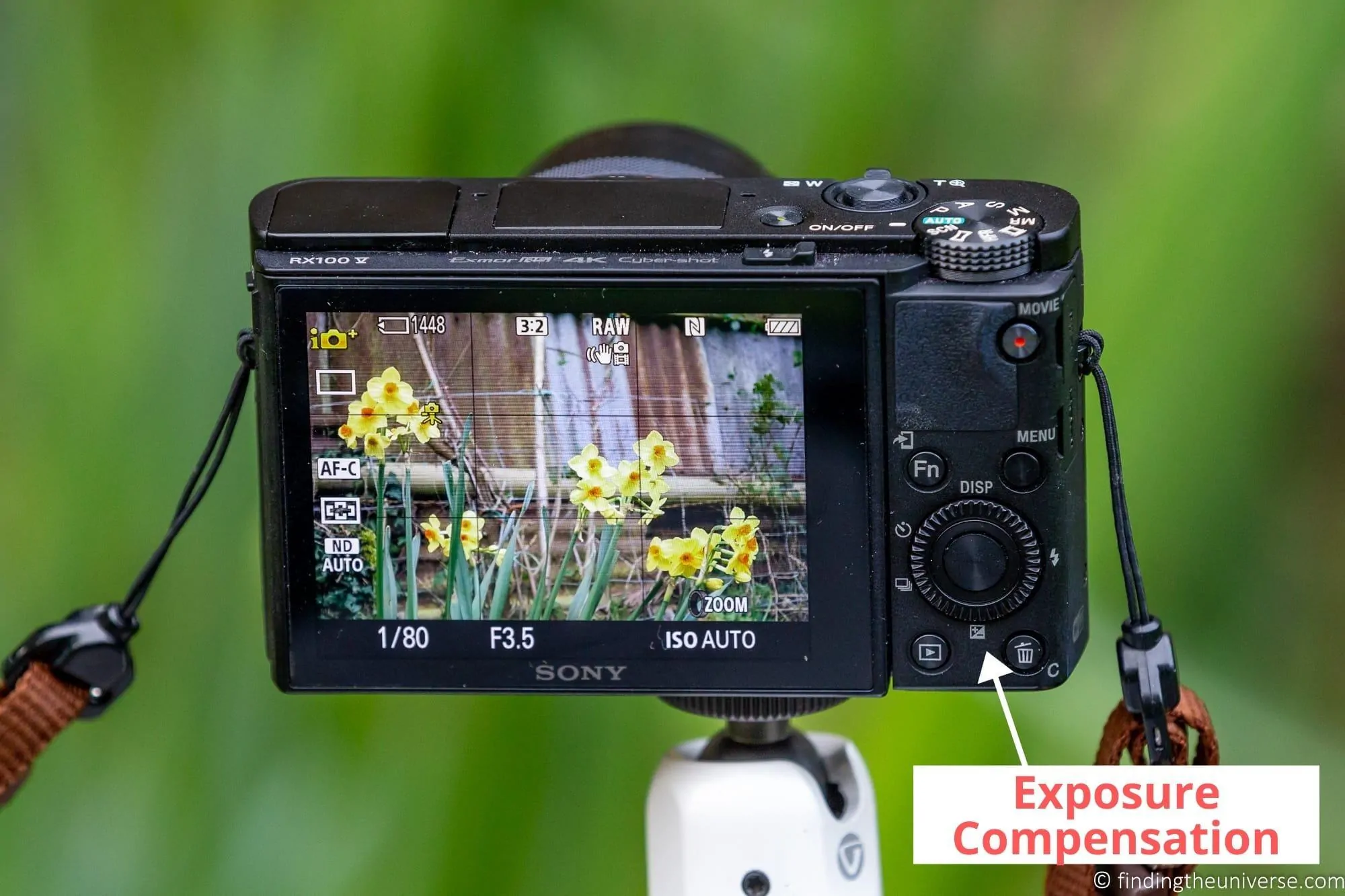
Nearly every camera on the market, including smartphones, have an exposure compensation option. It will either be available directly via a button on the camera itself, that looks like “+/-“, or via the camera menu.
When you press the button, you should be given a scale that runs from negative numbers to positive numbers, perhaps from -3 to +3, with zero in the middle. Any number above zero will increase the brightness, any number below zero will decrease the brightness.
Each full positive increment of 1 (i.e. from 0 to 1 or 1 to 2) will result in the image being twice as bright.
Each full negative increment of 1 (i.e. from 0 to -1 or -1 to -2) will result in the image being half as bright.
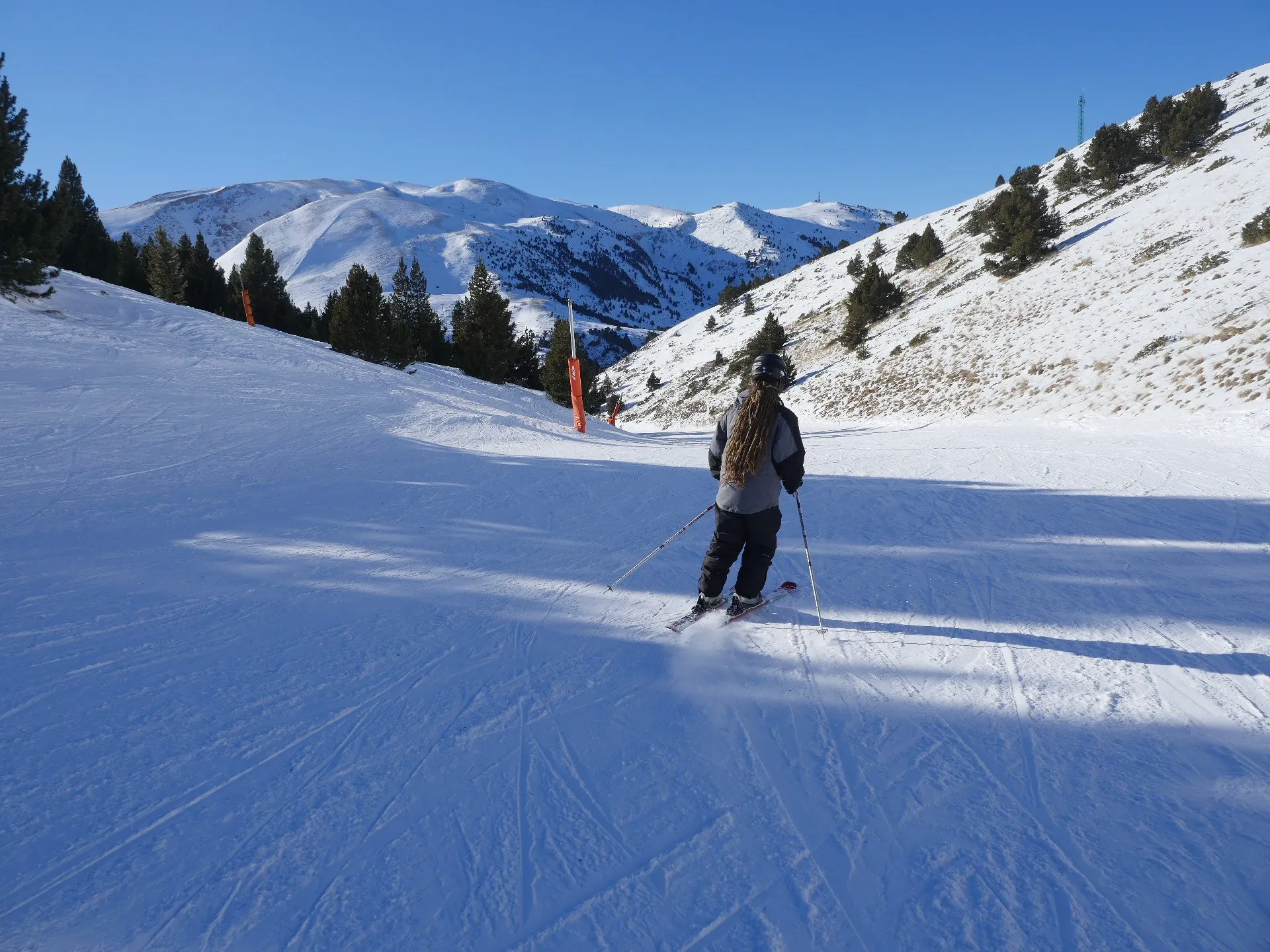
For snow photography, a good rule of thumb is to increase the exposure by “+1”, also known as one stop. Then shoot and adjust if needed.
How much to add depends mostly on how much of the frame is snow and how bright the light is. On an overcast day with a mix of trees, buildings and snow, +1 is usually about right.
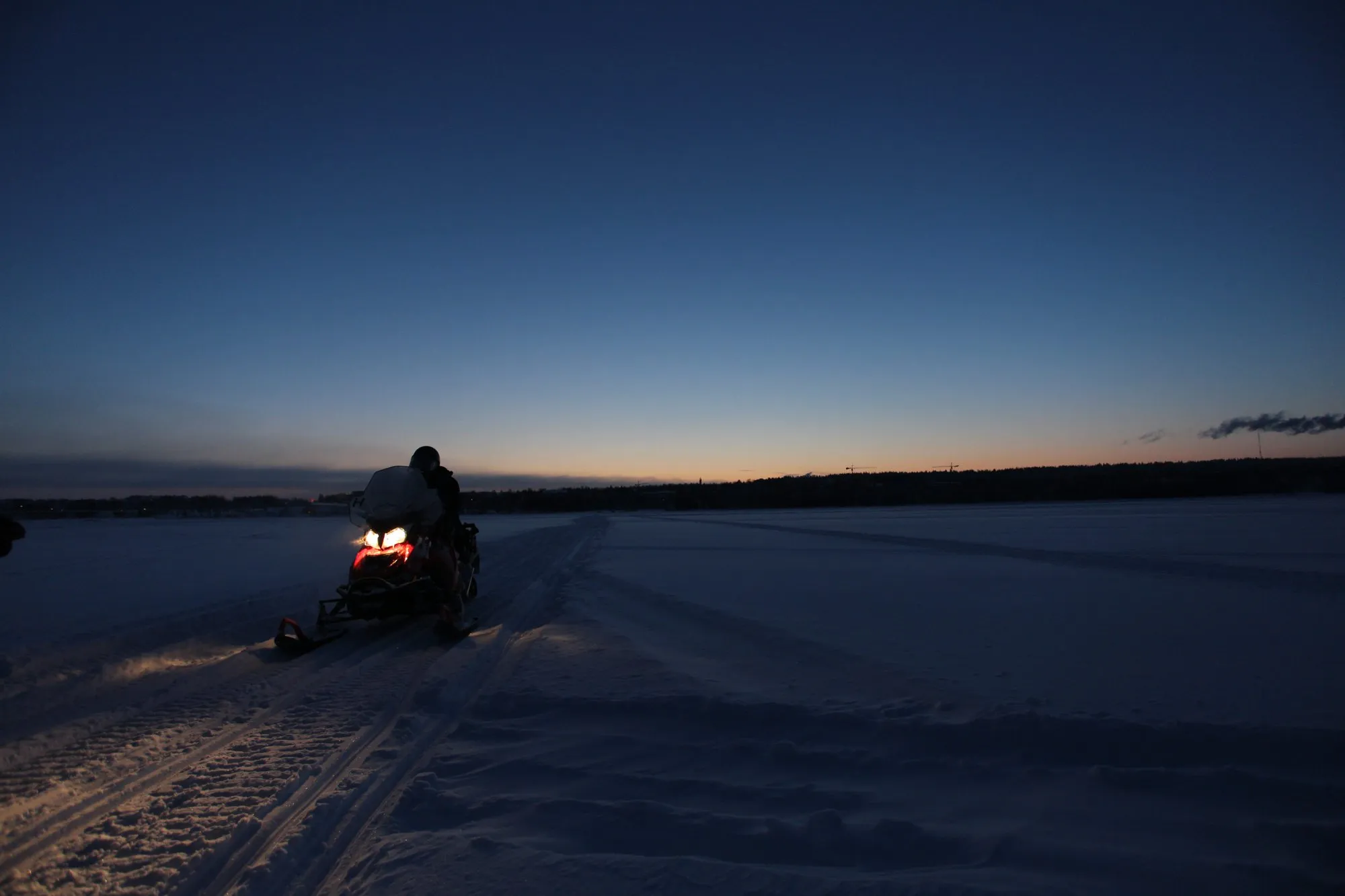
In full sun with the snow filling most of the frame, the meter is fooled a lot more, and you’ll often need +1.7 or +2 before the snow looks white. Around blue hour, when the snow is meant to look a bit cool and moody, you can ease right back, or even go negative if you want it dark. The frozen lake shot later on this page was taken at -2/3, and the snow is supposed to look blue.
Whatever you set, check the histogram if your camera can show you one. You want the hump pushed over towards the right hand side without actually hitting the edge, which would mean you’ve turned the snow into featureless white. If that’s new to you, I have a whole guide to reading a histogram.
You should be able to do this from most shooting modes, although this will vary by camera and device. If you have any issues, either look up your camera manual, or search the internet for “exposure compensation + your camera model“.
Start with the Composition
Whatever type of camera you have and regardless of the subject or scene, the composition of your image should always be one of your key considerations.
Composition in photography is all about deciding what is going to be in your image, and how the different elements of the image work together. So you need to think about what exactly your image is of – the subject – and compose around that.
There are lots of compositional tips and tricks you can use to improve your image, from things like the rule of thirds through to use of colour, leading lines and so on. If you’d like some tips, see my guide to composition in photography to get you started.
Shoot at Blue and Golden Hours
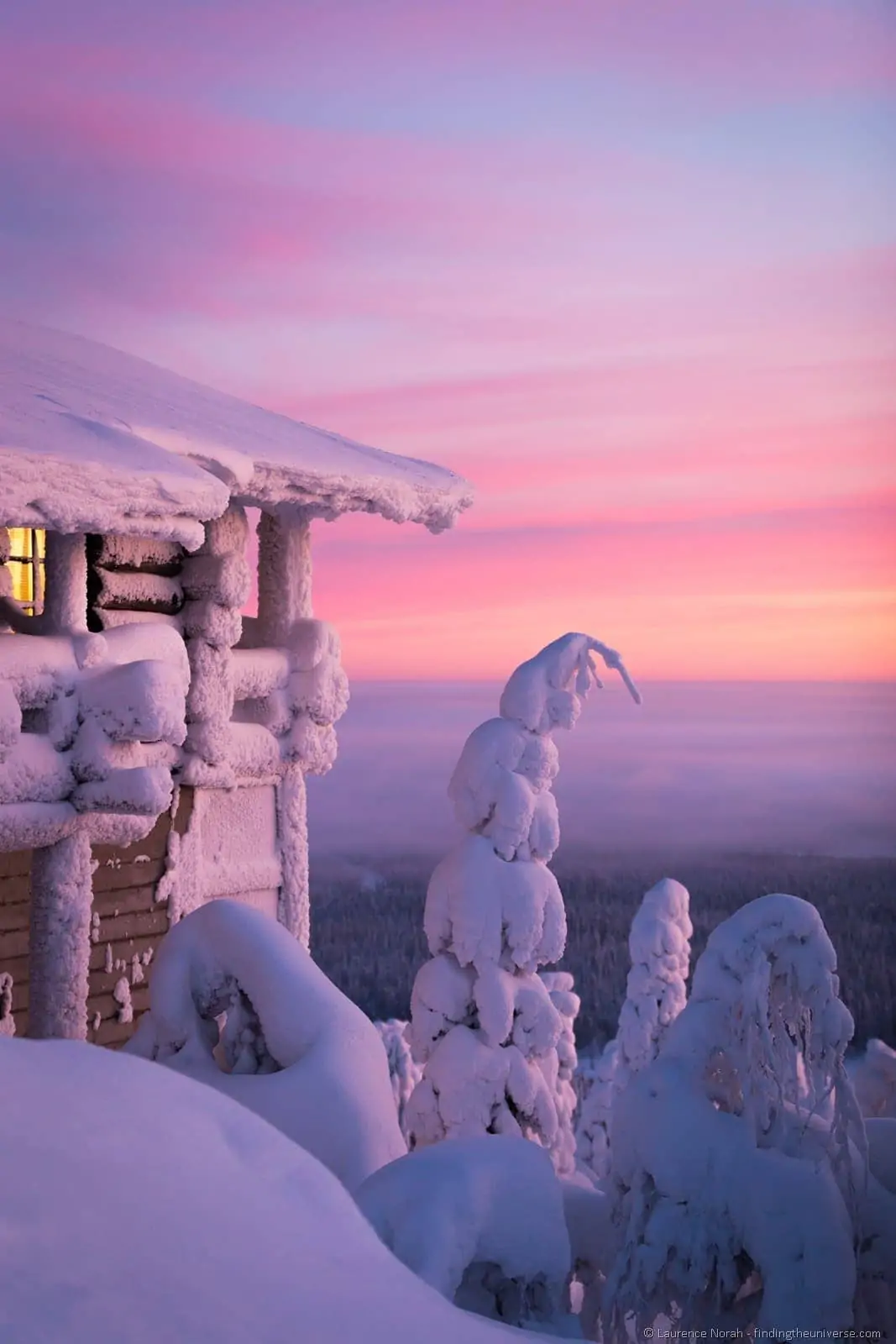
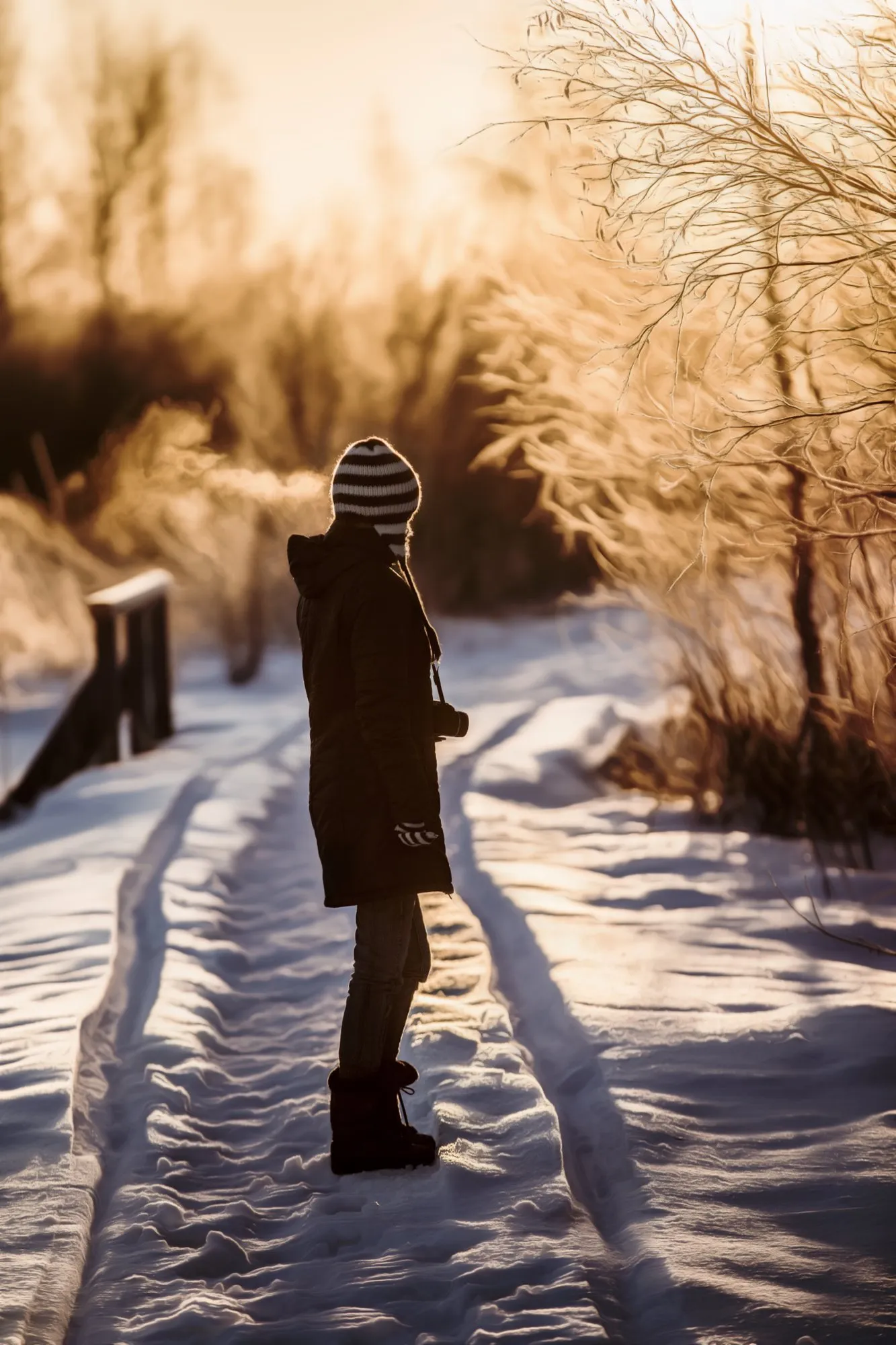
Light is a key component of photography. Through the course of the day, the light changes in both its direction and colour. In the early morning and late evenings, when the sun is just below the horizon, the light is very blue and cold in tone, and this time is known as the blue hour.
Just after the sun rises and before it sets, the light is very yellow and warm in tone, and this period is known as the golden hour.
These times of day are good for photography in general, but are particularly good for shooting snowy scenes. This is because snow is very reflective, and tends to amplify and reflect light well. So a warm sunset or cool pre-dawn tones can look really wonderful as part of a snowy scene.
It’s also worth keeping in mind when planning your snowy photography shoots that you will generally be shooting in the winter season in most destinations. This means that the days will be shorter, giving you less time for daytime photography.
However, it does carry the advantage that sunrise / sunset are closer together, and you can usually capture the golden and blue hours without having to get up really early or go to bed really late. When I’ve done winter photography in the Arctic Circle, sometimes I’ve found that the few hours of daylight are all golden all the time, which made for fantastic photography opportunities.
Get the Focus Right in Snow
One thing you might notice when shooting in snow is that your camera or smartphone might struggle to lock focus, with the autofocus hunting backwards and forwards. In a worst case scenario, it won’t be able to auto focus at all, and you won’t be able to take a photo. Or you might get an out of focus shot which isn’t usable.
The reason for this is down to the way that most camera focus systems work. The focus function normally requires a contrasting area to focus on, any area of the scene with contrasting elements. A large expanse of white snow tends not to have much contrast, and so the camera doesn’t have much to lock onto.
This issue isn’t specific to snow. You will often have the same problem if you try to take a picture of a wide open blue sky, the camera has nothing to lock onto.
In both these scenarios, the solution is to find something other than a uniform expanse to focus on. With the case of a blue sky, this might be something like a cloud. With snow, it might be a tree, or a person, a building, an animal, or any object that stands out against the white snow.
You might need to change the camera’s focus mode and specifically select the object you want it to focus on in order to get the results you require. So instead of full autofocus, you might change to a single point and focus there.
If you are still struggling to get focus using the automatic focus system, then check if your camera has a manual focus option. If so, you can use this to over ride the autofocus system and get a sharp image. Note that not all cameras and lenses support manual focus. Most DSLR and mirrorless cameras do, but not all compact or smartphones have manual focus.
Photographing Falling Snow
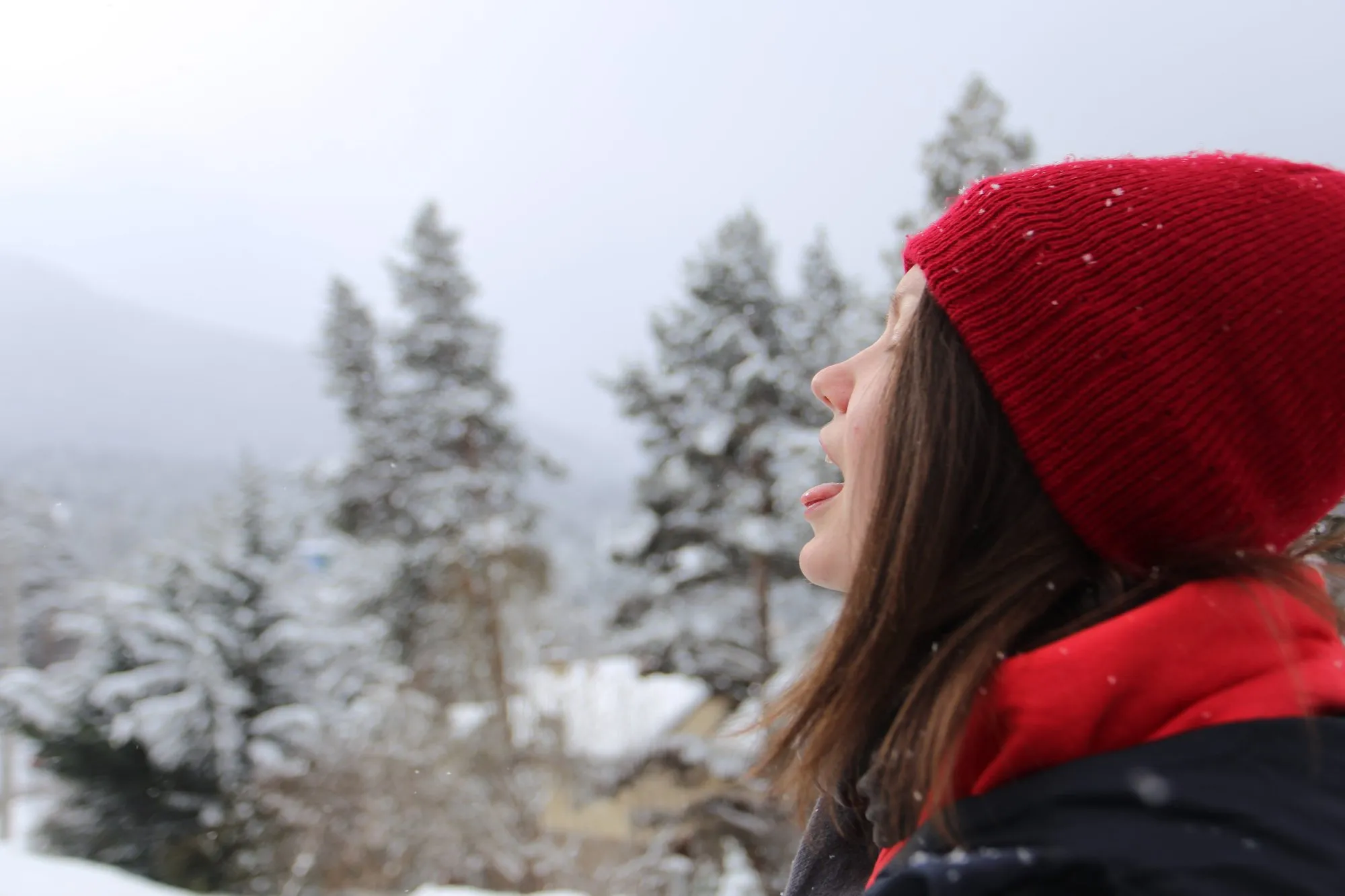
Falling snow is lovely to look at and a bit of a pain to photograph, mostly because the autofocus wants to lock onto the flakes drifting past the front of the lens rather than the thing behind them.
Switch to a single focus point and put it on your subject, or use manual focus so the camera stops hunting every time a flake crosses the frame. If your camera supports it, back button focus is ideal here, as you can lock focus once and then shoot away without the camera refocusing on every flake.
The other decision is shutter speed, because it changes what the snow looks like. At around 1/250th of a second and faster the flakes freeze into little white dots, and 1/125th will often do it with small flakes and not much wind.
Slow down to somewhere between 1/30th and 1/60th and they stretch into streaks, which gives a much better sense of the snow actually falling. Go much slower than about 1/8th of a second and the flakes smear into a soft haze and more or less disappear. Wind and the size of the flakes shift all of these numbers, so take a test shot and look at it.
Whichever look you go for, the snow only shows up against something dark. Flakes in front of a white sky or a snowy hillside vanish, whereas the same flakes in front of a stand of pine trees, a stone wall or a dark doorway are pretty obvious. Frame accordingly.
If you want the flakes to really stand out, a flash will light up the ones nearest the camera and make them pop against the background. The pop-up flash on a camera will do this, although the flakes closest to the lens tend to come out as big out of focus blobs rather than flakes. A flash held off to one side gives a more natural look, if you have one.
Use a Lens Hood
If you have a camera with a removable lens, like a mirrorless camera or a DSLR camera, then you should consider using an accessory known as a lens hood. These are also sometimes called sun hoods.
A lens hood is simply an extended piece of circular plastic that fits onto the end of the lens, giving it an extended look. Usually, the main reason to use a lens hood is to reduce unwanted glare entering the lens from the sides of the shot, which can cause flares and other image quality issues in your photos.
In snow photography, there is often a lot of glare as the snow is so bright, and a lens hood can help cut down on this, giving you higher contrast and cleaner images.
However, even if it’s not sunny, a lens hood can offer benefits for snow photography. Primarily, if it’s snowing, a lens hood can help stop flakes of snow landing directly on the glass of your lens. This protection is why I nearly always have a lens hood on my camera, it’s helpful in both snow and rain to help keep my lens dry.
Some lenses come with a lens hood. If not, they are generally inexpensive to buy for most cameras. You can purchase them either direct from the manufacturer or from third party manufacturers. Click here for a list of lens hoods. Just make sure the lens hood is designed for your lens, as lenses are of a different diameter and the lens hood needs to match.
Try a Polarizing Filter
Another snow photography tip for cameras that support interchangeable lenses is to use a polarizing filter. A polarizing filter is a bit of glass that attaches to your lens which is used to filter out polarized light.
Polarized light is generally light which has been reflected from a certain type of surface, which includes snow, and particularly the glare off wet snow and ice. If you use a polarizing filter when shooting snow, it cuts down on that glare, and will improve the contrast and colours in your image.
It works best with the sun off to one side, roughly at right angles to the direction you’re shooting, and does very little if you’re shooting straight into or directly away from the sun. On a wide angle lens the sky can also end up darker on one side of the frame than the other, so keep an eye on that.
Polarizing filters have a lot of uses in photography in general, from cutting down on reflections to making the clouds in a blue sky really pop. So they are definitely a worthwhile investment for a range of photography subjects beyond snow photography. You can read more about polarizing filters here.
Use Aperture Priority or a Special Snow Photography Mode
For the majority of photography that I do with either our DSLR or mirrorless cameras, I have the camera set to aperture priority mode. Snow photography is no different.
I like aperture priority because it allows me to easily control the depth of field of a photo, but frees me up from worrying about setting the shutter speed and ISO as I would have to in manual. Of course I keep an eye on these settings to ensure they are within acceptable parameters, but generally I prefer to let the camera deal with those things so I can focus on getting the shot itself.
When shooting snow, in most situations it will be outdoor situations with plenty of light, so I don’t have to worry about the shutter speed dropping too low or the ISO going too high. Instead, I can focus on the composition of my shot and capturing the moment.
Most cameras with an aperture priority mode let you set it via the camera’s mode dial. Aperture priority will be marked as “A” or “Av” in most cases.
If your camera doesn’t have an aperture priority mode, then check whether it has a snow (or beach/snow) scene mode (see the compact camera settings above). If yours has one, it should help with the exposure. Alternatively, try either the portrait mode for shooting portraits, the action mode if you are capturing fast moving action, or the landscape mode for landscapes.

Shoot in RAW if available
For a long time, the RAW format was the exclusive domain of higher end digital SLR cameras. These days though, many more devices can shoot in RAW.
On phones, Apple’s Pro model iPhones (the 12 Pro onwards) shoot RAW using Apple ProRAW, and Samsung Galaxy S20 and later phones can with the Expert RAW app from the Galaxy Store. Standard, non Pro iPhones can’t shoot RAW in the built in camera app. Plenty of higher end compact cameras shoot RAW too.
A RAW file is an unprocessed (in most cases) version of the image file which doesn’t sacrifice image data for file size. RAW files have a number of downsides, including the size of the file and the fact you have to edit them.
However, the upsides are that you have a lot more control over the final look of the image when you come to edit it. For snow in particular, that means you can fix a blue cast or a slightly grey exposure afterwards without wrecking the file.
I have a great deal more information on what RAW is in photography here. Suffice to say, if your device supports RAW photography, it is worth trying it out for snow photography.
Protect Your Gear
When you’re out shooting the snow, you need to be mindful of how the conditions can affect your gear.
To start with, when it’s cold, expect your battery to last for fewer photos. You might not notice too much difference if the temperatures are just around freezing point, but as it gets colder you will definitely notice a big drop off in capacity.
So you’ll want to carry spare batteries and keep them in an inside pocket (such as in a vest or interior jacket) to keep them warm. If a cold battery dies on you, warming it up in a pocket will usually bring a bit of charge back.
Next, if you are in really cold conditions, you’ll want to be careful when taking your gear back to a warm location like your house. The rapid temperature change can cause condensation to build up even inside the camera, which will not do the sensitive electronics any good.
To prevent this, place the whole camera inside something like a sealed freezer bag before you bring it inside, and leave it there for about an hour to come up to room temperature before you open it.
If the weather is even more extreme, then you might consider a camera cover like this which will protect the whole camera from snow and rain. These are a useful accessory for photography in general, and are not too expensive.
For what it’s worth, both of my Lapland trips were shot on a Canon EOS 6D, and these days I use a Canon EOS R5 with my older EF lenses on an adapter, mostly the 16-35mm f/4 for landscapes and the 70-200mm f/2.8 for anything further away. Canon only rates the R5 for use down to around freezing, and I’ve used it well below that. The battery gives out before the camera does.
I have a lot more on protecting your gear (and you!) from the cold, including batteries, gloves, hand warmers and the problem of your nose freezing to the camera, in my winter photography tips guide. Yes, my nose has frozen to the camera. Yes, it was painful. No, I’d rather not repeat the experience.
Be Safe
Our last snow photography tip is just to be safe. Photographing snow is a lot of fun and very rewarding, but you obviously have to take care in wintery conditions.
There are all sorts of hazards when it’s cold, from the health risks associated with the cold itself like hypothermia and frost bite, through to slippery surfaces when icy and avalanches.
Always put your health and safety first, even if it means missing a possibly great shot. If you’re heading to remote locations, follow best practice and ensure someone knows where you are and what your itinerary is. If you are travelling alone, be sure to have a way to contact someone in the area if you run into any trouble.
Snow Photography Ideas
Now you are all ready to take some great photos in the snow. But you might be wondering what exactly to take photos of. Here are some subjects and image types to consider.
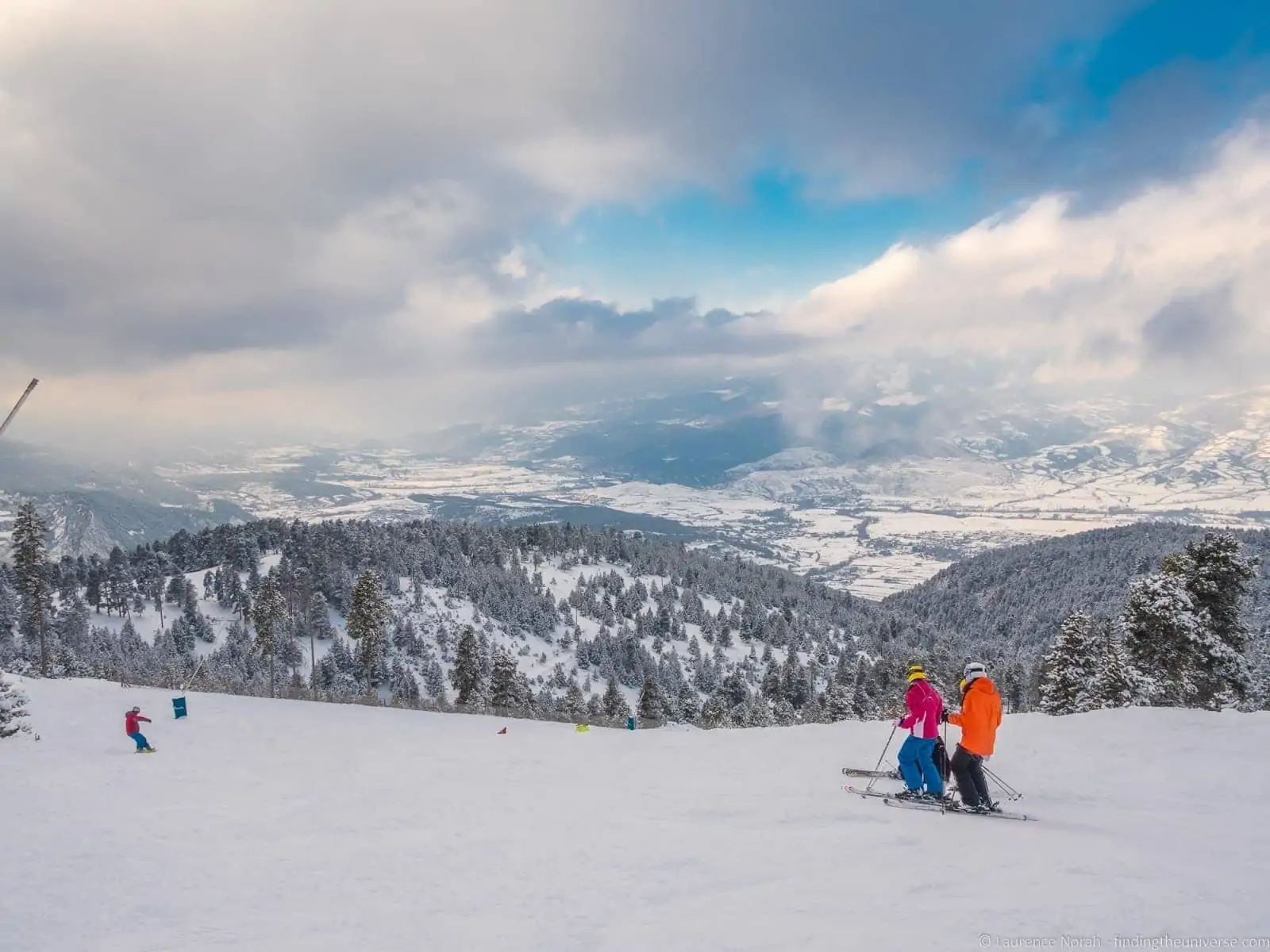
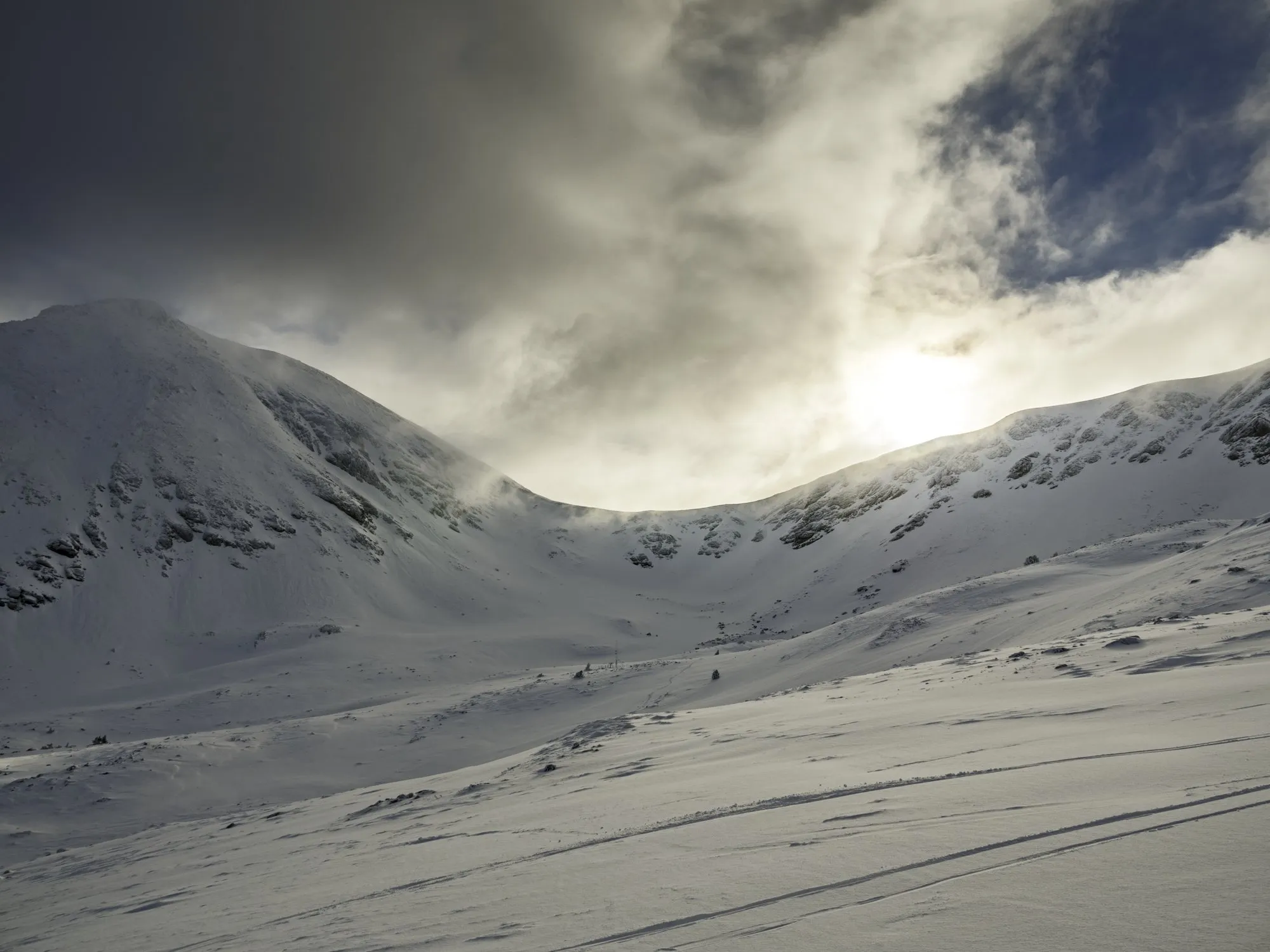
Landscapes
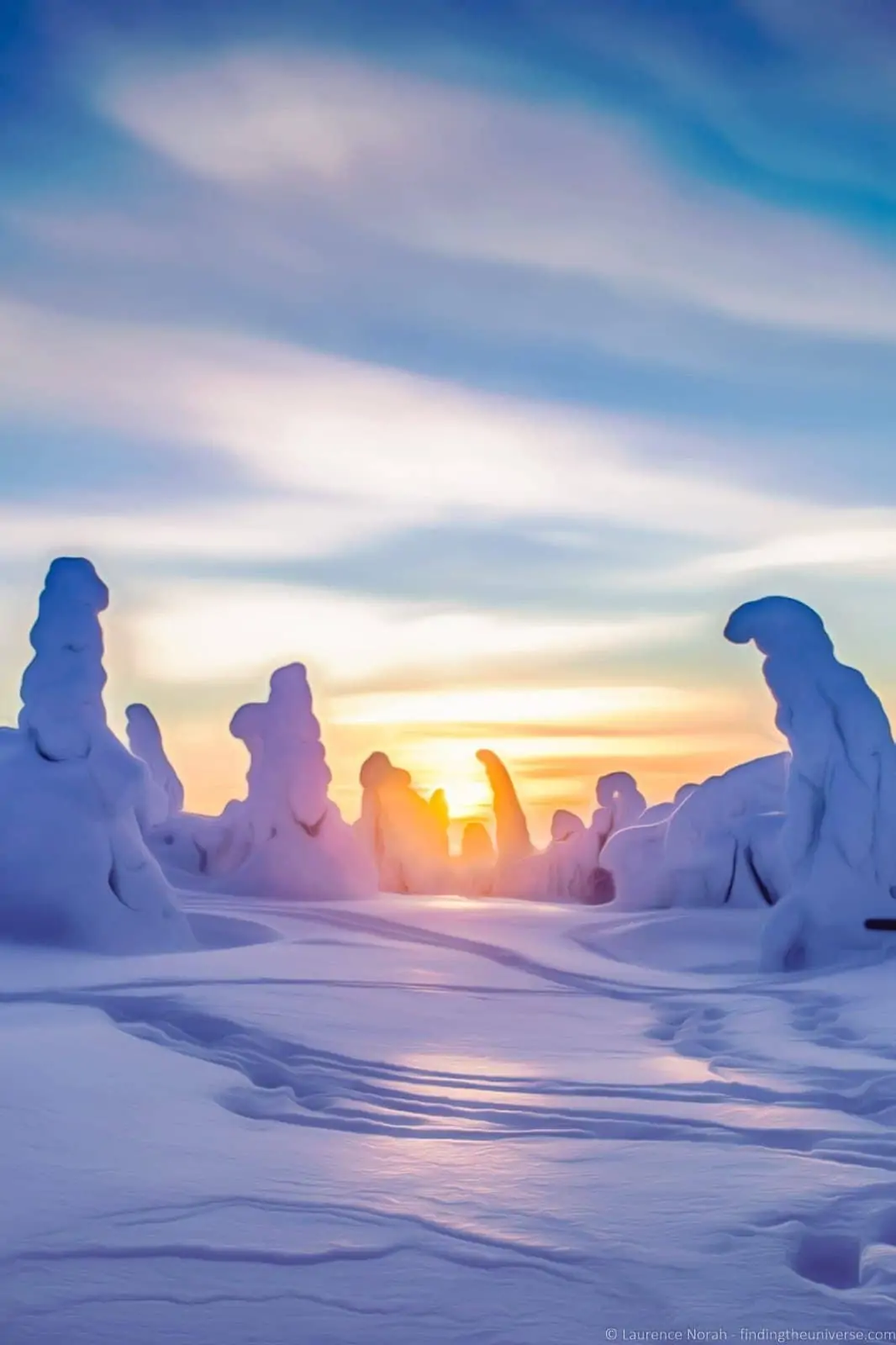
A beautiful snowy landscape is a classic scene to photograph. My tips would be to ensure there is good depth in your shot with defined foreground and background elements to give your viewer a sense of perspective and scale.
You can also use a subject like a person to add some colour and a human touch to a shot. Another option might be to use a snowman or other human created object to interest your viewer.
Wildlife
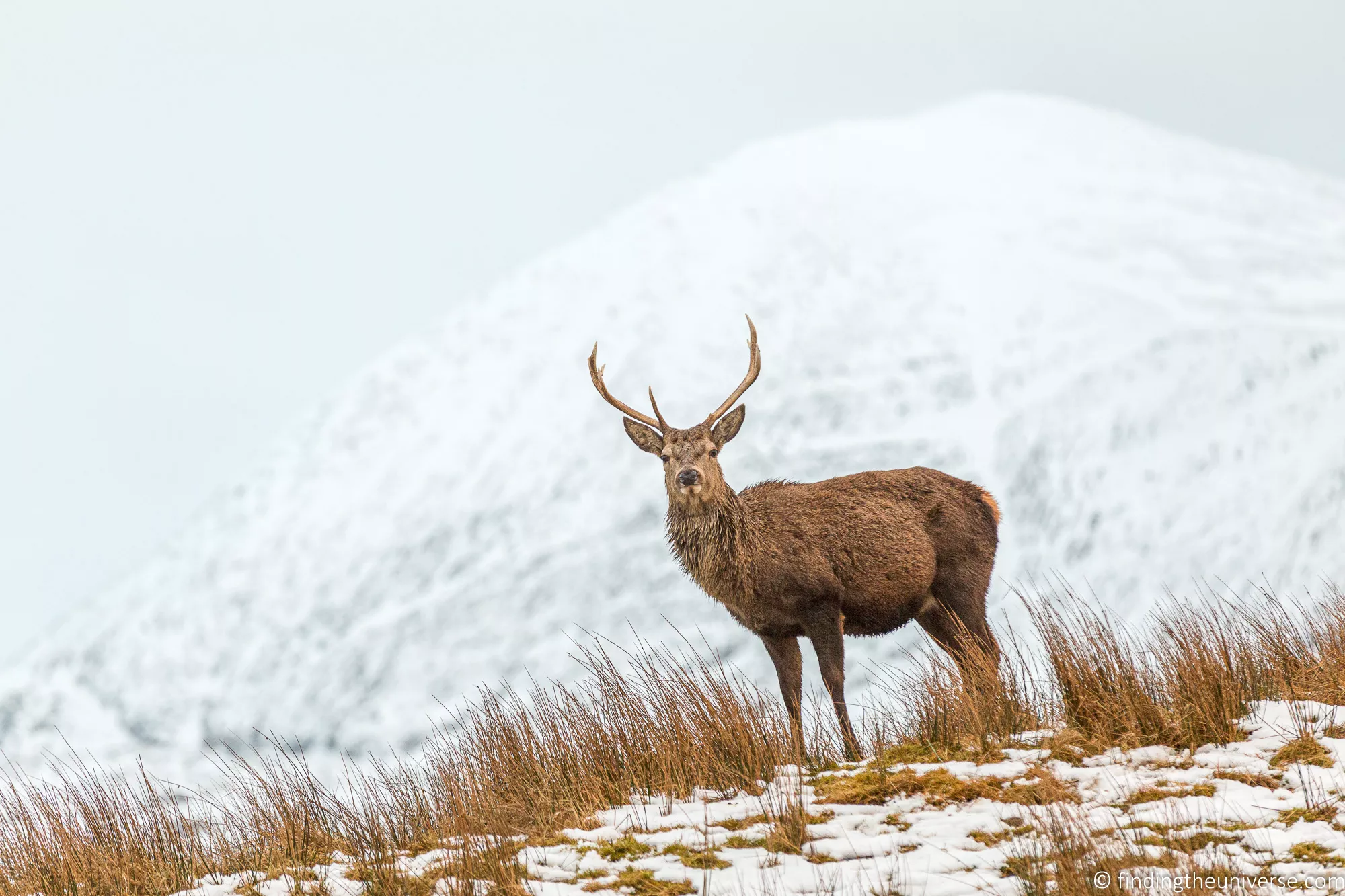
Snow makes a great backdrop to wildlife photography. From a beautiful red breasted robin through to red deer stags, you can easily use an animal as the key subject in your snow photographs.
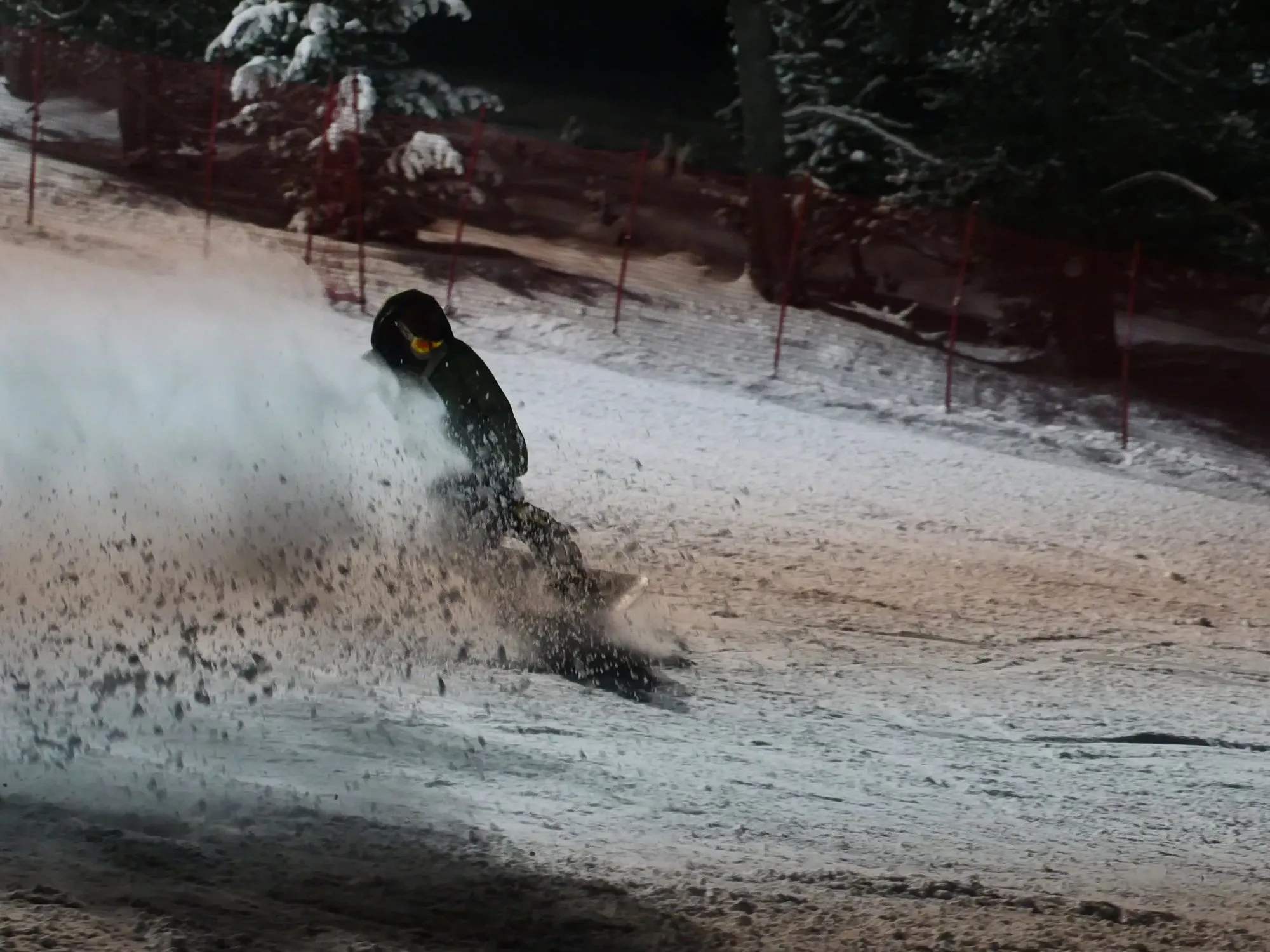
Action Shots
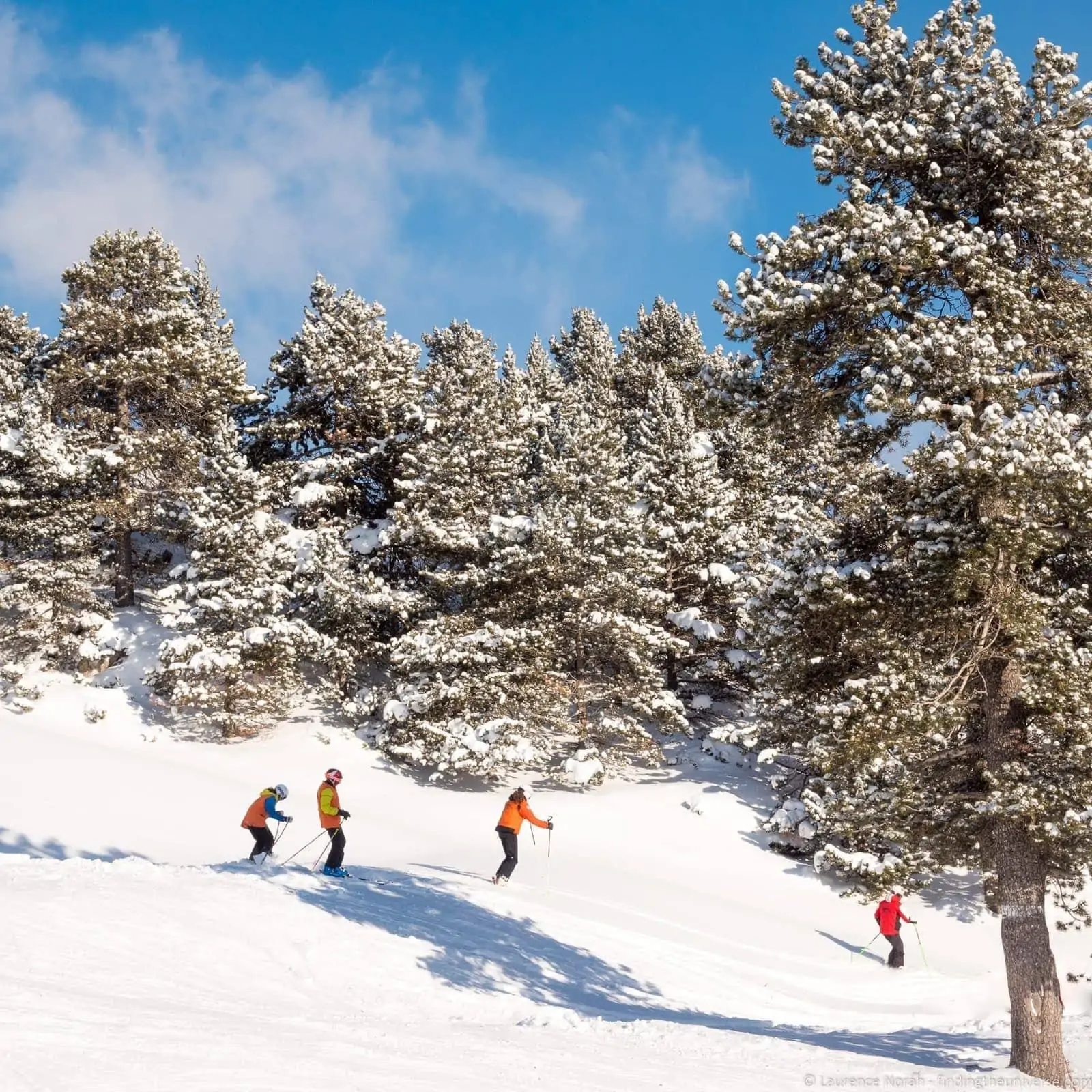
If you’re looking for fun ways to take pictures of people in snow, then I think capturing action is a great way to do that. This could be people having a snowball fight, sledding, building snowmen, skiing, making snow angels, or simply out for a walk in a winter wonderland.
For action photography, you might want to switch to shutter priority rather than aperture priority if your camera supports this, as this way you’ll be able to control whether you freeze your subject (fast shutter speed) or capture some of their motion (slow shutter speed).
Gear for Snow Photography
Snow photography doesn’t require specialized equipment to get great results, however you may consider investing in some of the following in order to have a better experience and improve your images.
- A good camera bag to protect your lenses and camera equipment. Vanguard also sell direct, and the code FindingTheUniverse gets you 20% off at vanguardworld.com.
- Spare batteries for your camera
- A polarizing filter if your camera supports them
- A lens hood if your camera supports them
- Warm clothes, including a merino base layer like the Smartwool Classic Thermal Merino Crew if it’s going to be particularly cold
- A good pair of winter photography gloves with fold back fingertips. I use the Vallerret Markhof Pro (I’ve got the previous version, the V3, and the Markhof Pro V4 is the latest), and they’re the best I have found so far.
- A tripod, especially if you plan to take photos in low light or nighttime conditions. See our guide to travel tripods here.
- A camera cover to keep the snow and rain off your camera
Snow Photography FAQ
A few of the questions I get asked most often about photographing snow.
Why do my snow photos come out grey?
Because your camera’s light meter assumes the scene in front of it averages out to a mid tone, and a frame full of white snow is a lot brighter than that. The camera “corrects” for it by letting in less light, and the snow ends up grey.
Dial in +1 exposure compensation (more in bright sun) and the snow goes back to white. If it looks blue rather than grey, that’s white balance rather than exposure. Switch from Auto to the Cloudy preset, or fix it afterwards if you shoot RAW.
How do I photograph falling snow?
Focus on your subject with a single focus point or manual focus so the camera isn’t trying to focus on the flakes, and pick a dark background so the flakes show up.
Then choose a shutter speed for the look you want. Around 1/250th of a second or faster freezes the flakes into dots, 1/30th to 1/60th turns them into streaks, and much slower than that they fade into a haze. A flash will make the nearest flakes stand out, at the cost of a few bright blobs.
Can I take good snow photos with my phone?
Yes, and the main thing is the same as with any camera. Tap the screen, then slide the brightness up until the snow looks white rather than grey.
Leave HDR on (on current iPhones it’s automatic), turn the flash off, and if you have a Pro iPhone or a recent Samsung Galaxy, try shooting in RAW so you can fix the colour later. Keep the phone inside your jacket between shots too, as phone batteries don’t like the cold any more than camera batteries do.
Will the cold damage my camera?
The cold itself rarely causes problems in my experience, although batteries drain a lot faster, so carry spares in an inside pocket.
What does cause problems is condensation when you bring a cold camera into a warm room, which can form inside the camera as well as on the lens. Put the camera in a sealed plastic bag before you go indoors and leave it for about an hour to warm up. There’s more on this in my cold weather photography guide.
What white balance should I use for snow?
Auto works a lot of the time, but it often leaves snow looking blue, especially in shade or under heavy cloud. The Cloudy preset (around 6000K on Canon bodies) warms it back up to white, and Shade (around 7000K) goes a step further.
If your camera lets you dial in a Kelvin value, somewhere between 6000K and 7000K is the usual range. If you shoot RAW you can set the white balance afterwards and not worry about it in the field.
Further Reading
That’s it for my guide to taking pictures in snow. If you found this useful, you might enjoy some of my other photography content. Here are some articles to get you started.
- If you’re looking for more advice on specific tips for different scenarios, we also have you covered. See our guide to Northern Lights photography, long exposure photography, fireworks photography, tips for taking photos of stars, and cold weather photography.
- We have a guide to how to use a compact camera, how to use a DSLR camera, and how to use a mirrorless camera. We also have a guide to how a DSLR works
- Knowing how to compose a great photo is a key photography skill. See our guide to composition in photography for lots of tips on this subject
- If you would like to make a living from your photography, see our guide to how to make money from photography
- We have a guide to what depth of field is and when you would want to use it.
- We are big fans of getting the most out of your digital photo files, and do to that you will need to shoot in RAW. See our guide to RAW in photography to understand what RAW is, and why you should switch to RAW as soon as you can if your camera supports it.
- We have a guide to the best photo editing applications which includes both paid and free options
- You’re going to need something to run your photo editing software on. See our guide to the best laptops for photo editing for some tips on what to look for.
- Colour accuracy is important for photography – see our guide to monitor calibration to ensure your screen is set up correctly.
- If you’re looking for a great gift for a photography loving friend or family member (or yourself!), take a look at our photography gift guide,
- If you’re in the market for a new camera, we have a detailed guide to the best travel cameras, as well as specific guides for the best cameras for hiking and backpacking, the best compact camera, best bridge camera, best mirrorless camera and best DSLR camera. We also have a guide to the best camera lenses.
- If you want a camera or lens, but the prices are a bit high, see our guide to where to buy used cameras and camera gear for some budget savings options.
- We have a guide to why you need a tripod, a guide to choosing a travel tripod, and a round-up of our favourite travel tripods
Looking to Improve Your Photography?
If grey snow is the sort of thing that’s been catching you out, and you’d like to get to grips with your camera, you might want to check out my online travel photography course.
Since launching the course in 2016, I’ve already helped thousands of students learn how to take better photos. The course covers pretty much everything you need to know, from the basics of how a camera works, through to composition, light, and photo editing.
It also covers more advanced topics, including astrophotography, long exposure photography, flash photography, and HDR photography.
You get feedback from me as you progress, access to webinars, interviews and videos, as well as exclusive membership of a Facebook group where you can get feedback on your work and take part in regular challenges.
It’s available for an amazing one-off price for lifetime access, and can also be bought as a gift if you know someone who would love to learn photography. Find out more by clicking here.
And that’s it! I’d love to hear about your thoughts on snow photography, and am happy to answer any questions you have. Just pop them in the comments below and I’ll get back to you as soon as I can.

VIPIN SAINI says
Wonderful. A well-written article. I enjoyed reading it. Thanks for sharing these tips. I am traveling to Himachal Pardesh, a very snowy Hill Station. These tips are gonna help me a lot in clicking some great photographs. Looking forward to reading more of these awesome travel blogs 🙂
Laurence Norah says
Thanks very much Vipin, have a lovely trip to Himachal Pardesh – I hope you get some great photos!